User avatar
niconiconi @niconiconi@mk.absturztau.be
9mo
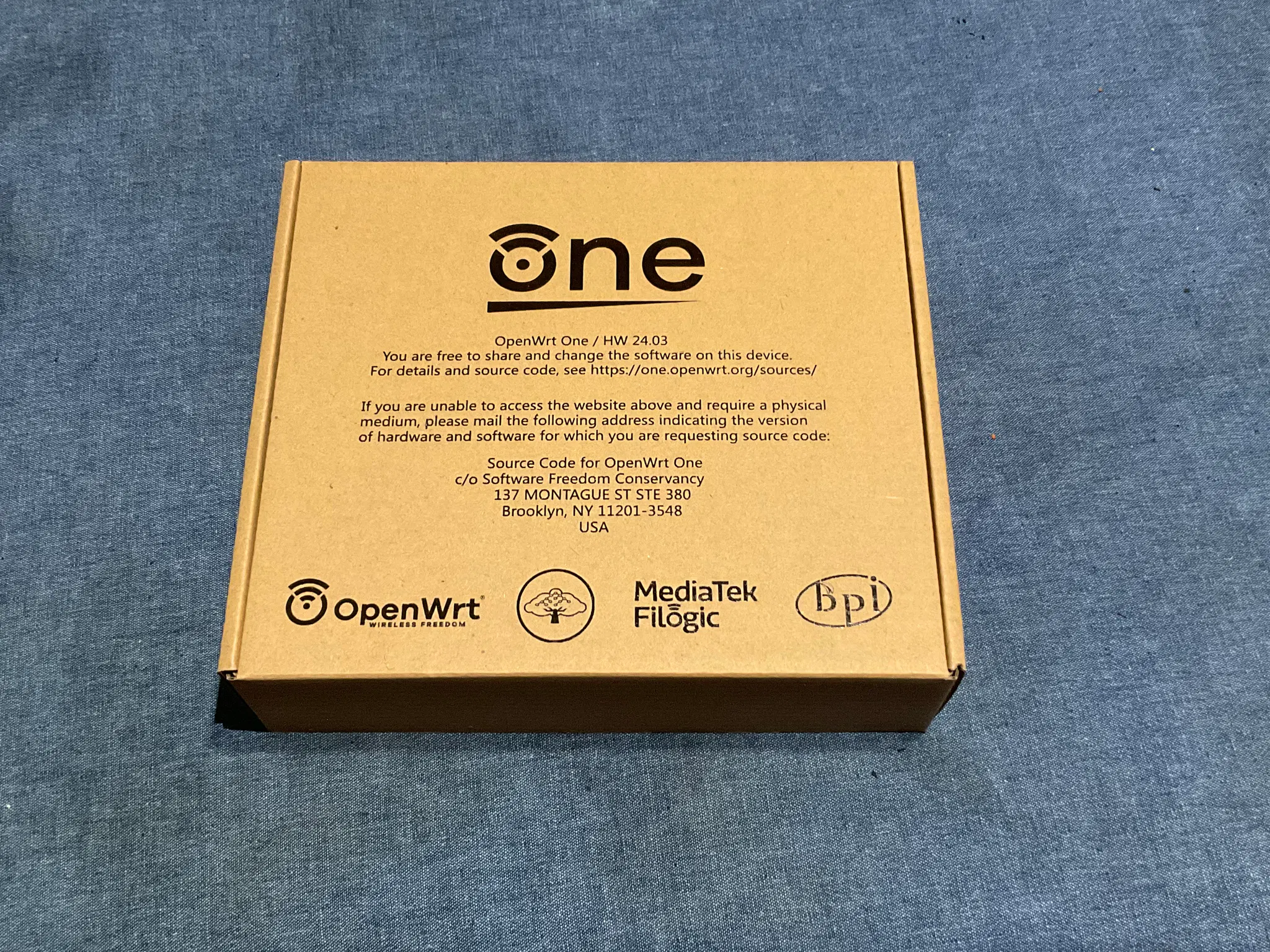
Trying out this new Wireless AP...
2
0
0
0
User avatar
niconiconi @niconiconi@mk.absturztau.be
9mo
Unfortunately, from my quick test, I don't see any network performance improvements in comparison to the 10-year-old ath9k AP. I guess the 300 Mbps IPv4 NAT overhead was not as large as I anticipated, and the RF front-end on my old router was not fried in contrary to my suspicion. It's just plain bad signal reception (but perhaps my tablet's antenna is defective after dropping it one time). I may or may not try tweaking some 802.11 options tomorrow. woozy_baa (Update: further testing showed a moderate improvement, see thread).
1
0
0
0
User avatar
niconiconi @niconiconi@mk.absturztau.be
9mo
Update: Further testings shows a moderate performance gain. When streaming videos from my NAS, the data rate can occasionally burst to 8 MiB/s (50 Mbps+) although the baseline remains at 3 MiB/s (20 Mbps) like the old ath9k 802.11n. I guess the Wi-Fi hardware needs some warn up before it selects a higher data rate. It can now stream the 1080p Ghost in the Shell anime to the tablet used to be barely watchable. lain_sip
2
0
0
0
User avatar
niconiconi @niconiconi@mk.absturztau.be
9mo
As I want to rely on 2.4/5 GHz auto-selection for most devices at home, I couldn't test 5 GHz separately using my tablet as no option exists to force-pick an AP from multiple APs with same SSID on iOS. After a Web search, I found the creative workaround: just ban its MAC address at the 2.4 GHz AP. The speed is still inconsistent, as the reception became even worse - with an RSSI of only -79 dBm. The 250 Mbps PHY rate is also not much better than 150 Mbps at 2.4 GHz. But... the baseline improved from 3 MiB/s to 5 MiB/s, with bursts to 8 MiB/s. In the end, 80 MHz is overall a net win in comparison to 20 MHz.
2
0
0
0
User avatar
niconiconi @niconiconi@mk.absturztau.be
2w
I just discovered that I made a silly mistake with the OpenWrt One: not setting a regulatory domain. I thought it would default to the manufacturer's regulatory domain (sometimes this loophole allows people to abuse the lax US power limit elsewhere). Not with this chipset, which properly implemented the World domain with the lowish TX power at 5 GHz. Many 5 GHz channels are also blocked by default. After setting a real regulatory domain, the 5 GHz RSSI is now comparable to 2.4 GHz. I also moved away from Channel 36 @ 160 MHz to Channel 149 @ 80 MHz (which nobody uses as they all want 160 MHz), now running at 200 Mbps down and 80 Mbps up with a tablet. Now the 5 GHz AP is finally a real upgrade.
2
0
0
0
User avatar
Emelia/Emi @becomethewaifu@tech.lgbt
2w
@niconiconi I once had a neighbor's equipment cause a laptop to absolutely refuse to use 5GHz. Intel apparently added some stupid shit that guesses the regulatory domain from nearby APs (not even the one it's connected to) instead of letting the user set it. And it picked the one AP set to "china" over the ~50 others set to "US"...
🍮1
1
1
1
1
User avatar
walnut 🌱 @walnut@thesoftestpaws.net
2w
@becomethewaifu @niconiconi
I guess they think China's FCC equivalent is scarier /silly
0
0
0
0